

For small businesses and growing brands, using the wrong image size can make even the best design look unprofessional.
Creative content writer with a knack for storytelling that connects. Wielder of wit, turning “meh” into magic daily.

Ever spent time designing a beautiful post only for Instagram to crop someone’s head or Facebook to blur your graphics? Yeah… we’ve all been there. For small businesses and growing brands, using the wrong image size can make even the best design look unprofessional. Once you understand social media image sizes, your content instantly looks cleaner, sharper, and more trustworthy.
In this ultimate guide from Branderah, we’ll break down the most important social media image sizes, why they matter for your marketing, and how to create graphics that look amazing on every platform.
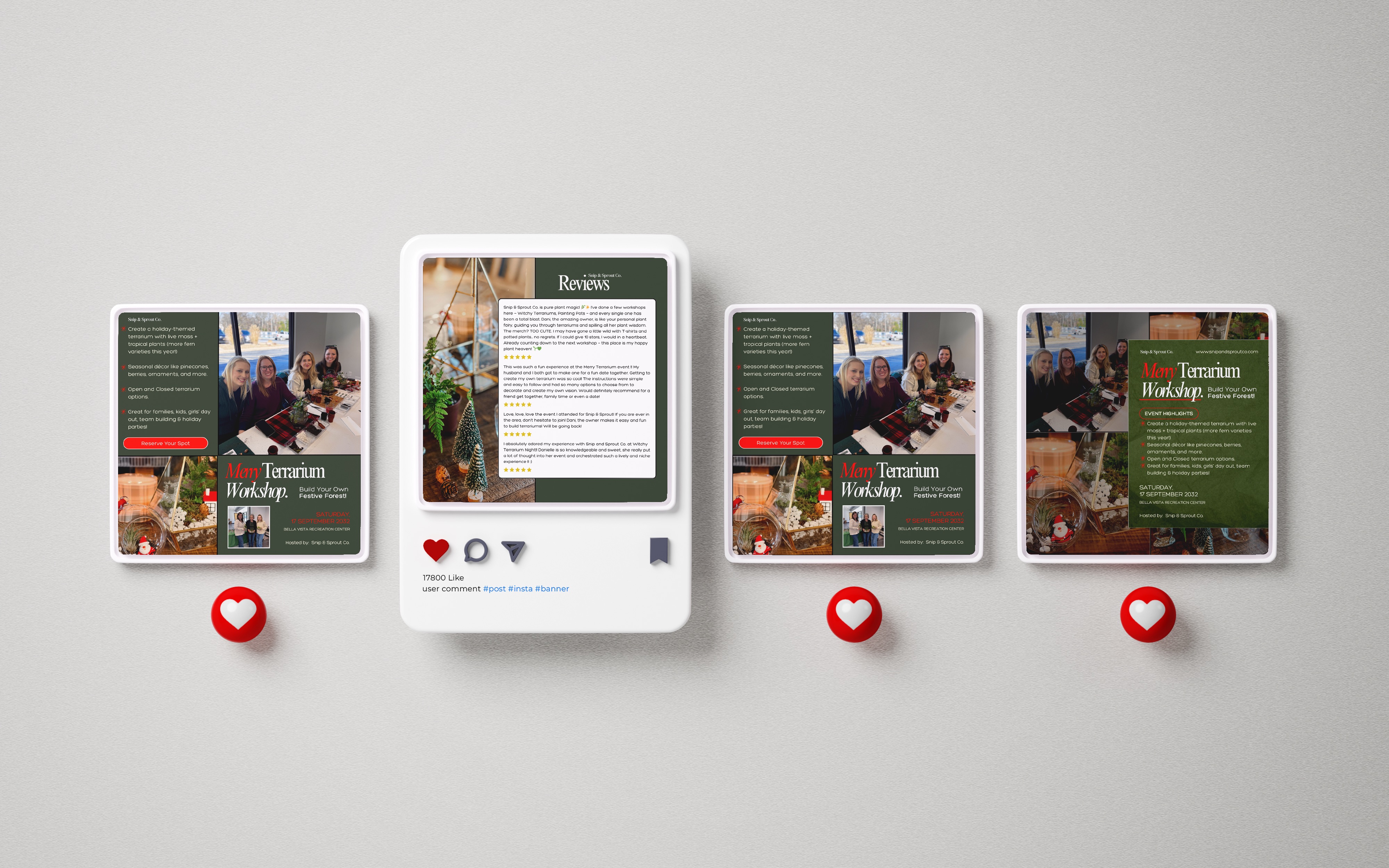
Think of your social media feed as your digital storefront. If images appear stretched, pixelated, or awkwardly cropped, it affects how people perceive your business. Proper image sizing helps you:
For small businesses, aesthetics play a big role in whether someone stops scrolling or keeps moving. A well-sized graphic communicates that your brand pays attention to detail.
Platforms change their recommended sizes frequently, but these core dimensions are currently the most reliable for everyday marketing content.
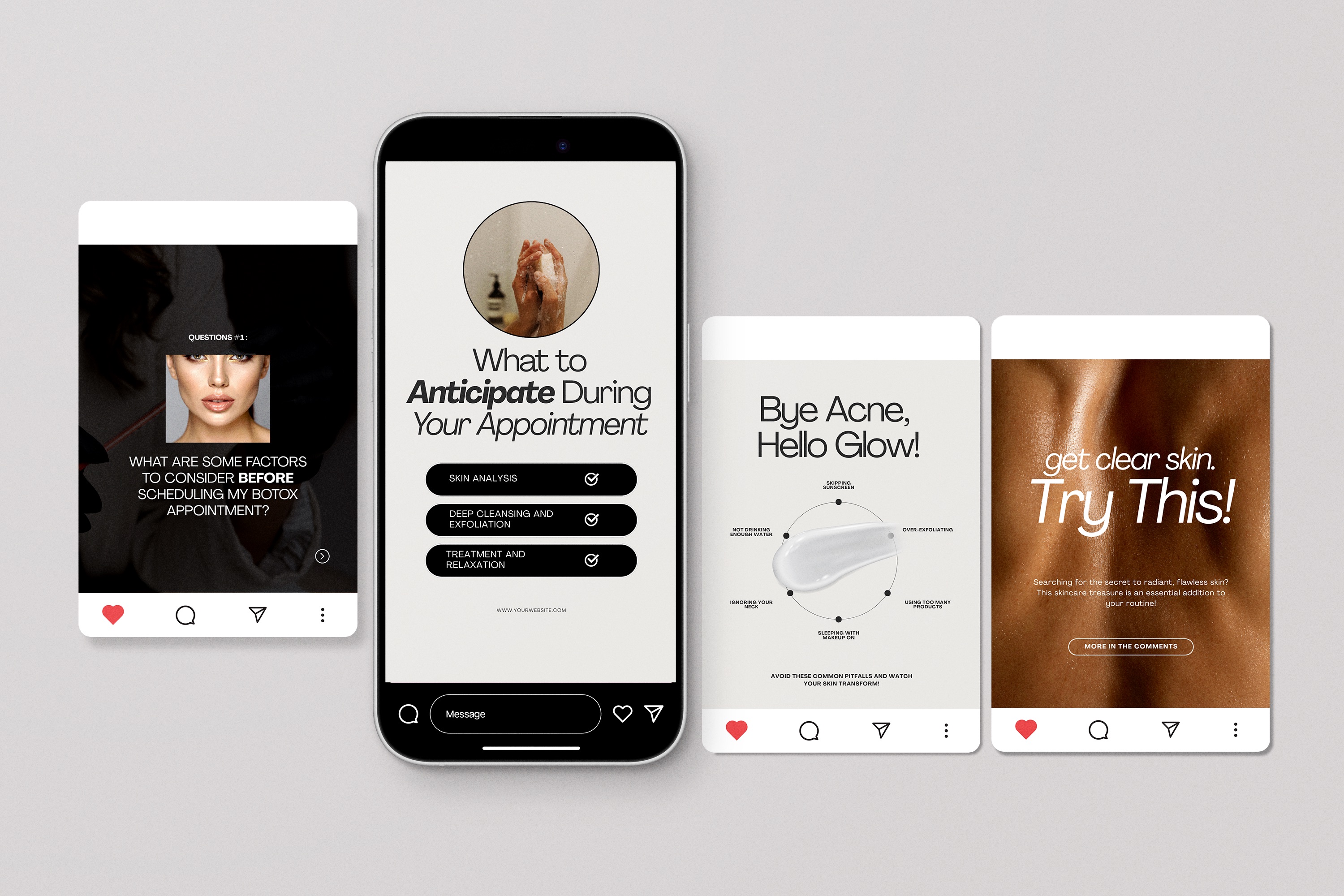
Instagram is all about visuals, so getting your sizing right is essential.
If you’re a small food business posting menu items or a medspa sharing before-and-after transformations, portrait posts often perform best because they take up more screen space and capture attention faster.
Facebook still plays a huge role in community engagement and advertising.
If you run ads or share promotions, using the correct Facebook image size helps your content display clearly across both desktop and mobile devices.
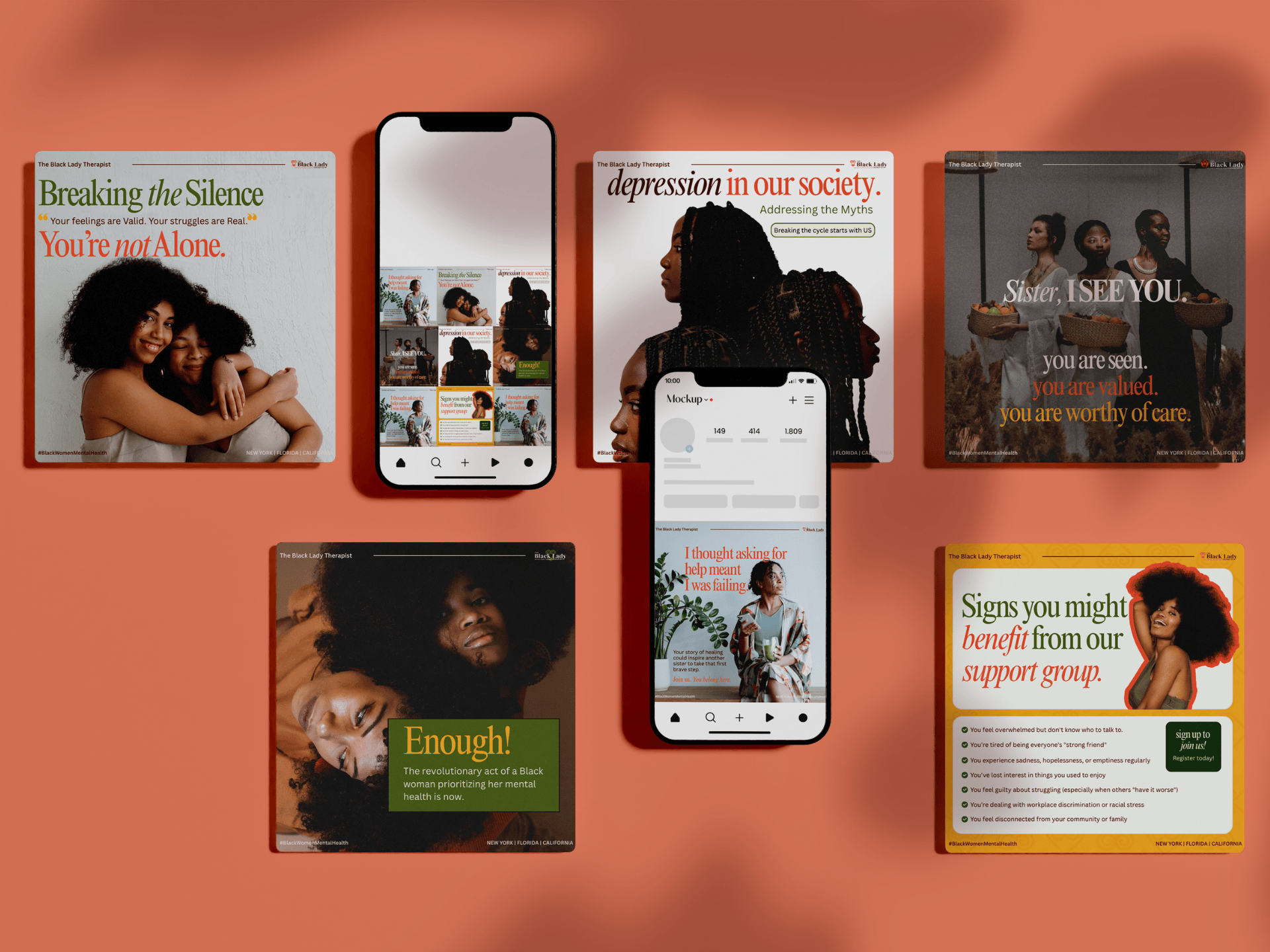
LinkedIn is perfect for professional branding and B2B marketing.
Designs for LinkedIn should feel clean and informative. Think value-focused graphics, industry tips, or educational posts that build authority.
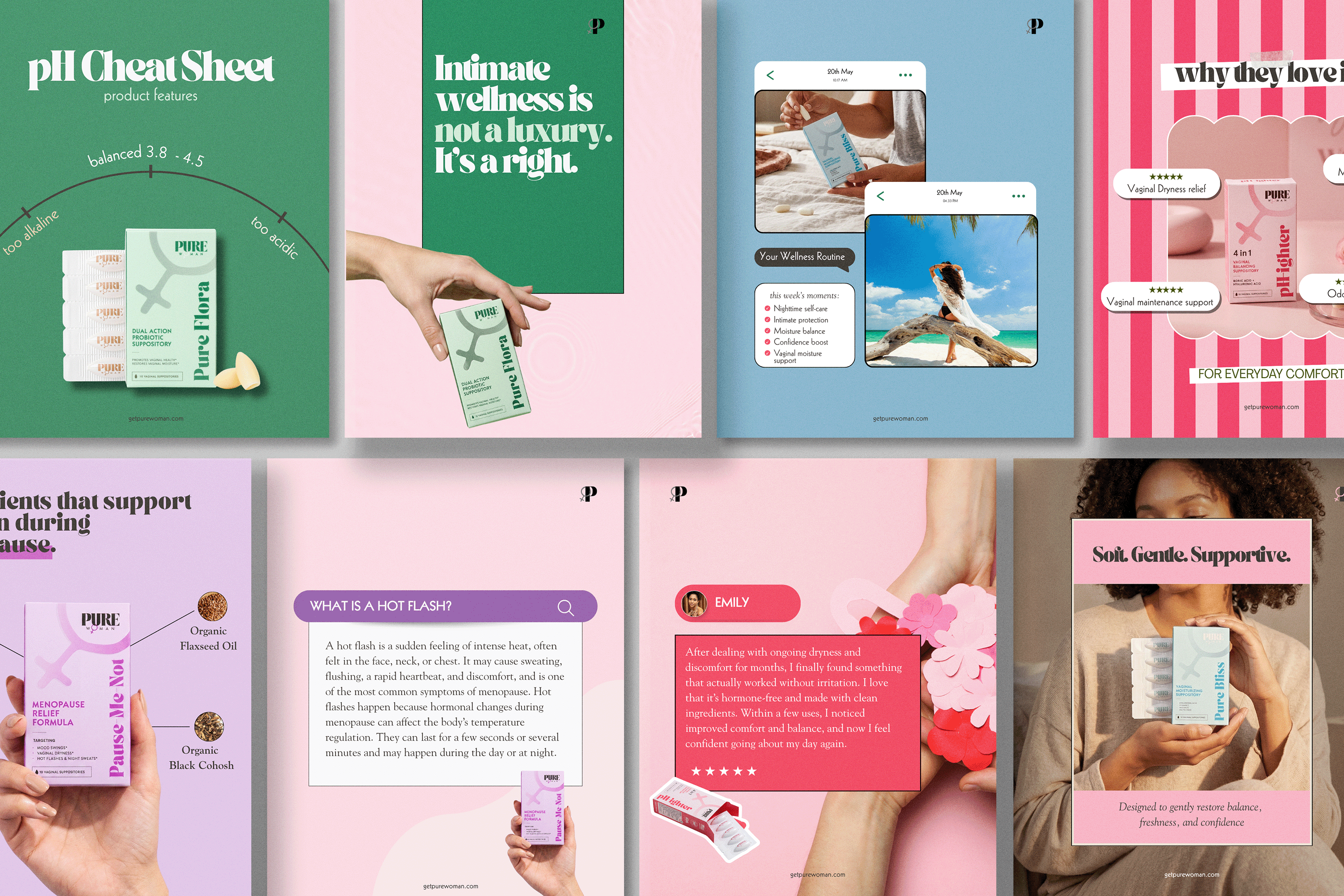
Short-form video is dominating social media, so vertical visuals are essential.
If you’re creating promo content or educational clips, make sure important text stays within the center safe area so it doesn’t get cut off.
You can shop Templates HERE
Here are practical tips Branderah recommends for small businesses:
1. Design Once, Resize Smartly
Use tools like Canva or Adobe Express to create templates in multiple sizes. This saves time and keeps your branding consistent across platforms.
2. Keep Important Text Centered
Social platforms crop differently depending on device type. Always leave margin space around your design to prevent text from getting cut off.
3. Stick to High-Resolution Images
Upload images at the recommended size or slightly larger for clarity. Low-quality images instantly reduce perceived brand value.
4. Create Brand Templates
Having reusable design templates for promos, testimonials, and announcements ensures your visuals remain consistent.
Mastering social media image sizes might seem like a small detail, but it has a massive impact on how your brand is perceived online. Use the recommended dimensions, build consistent templates, and always design with mobile viewers in mind. Once you get your image sizes right, you’ll notice your social media presence feels more intentional, professional, and ready to convert followers into customers.
At Branderah, we know that great marketing starts with a strong visual presentation. Need help with this?
Reach out today — we’d love to hear from you! Let’s bring your vision to life.






.png)
